

- Is Nulling Required:
- NO
- Compatible Xenforo
- 2.3
- Code Modifications
- NO
Description:
Ask Gemini a question directly in XenForo.
When viewing a thread, use Gemini to help create a very informative reply.
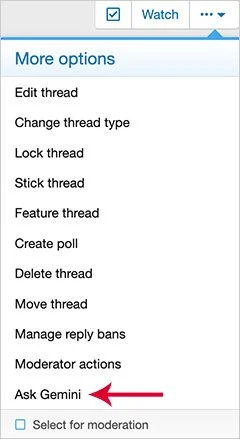
(Example of Ask Gemini link)
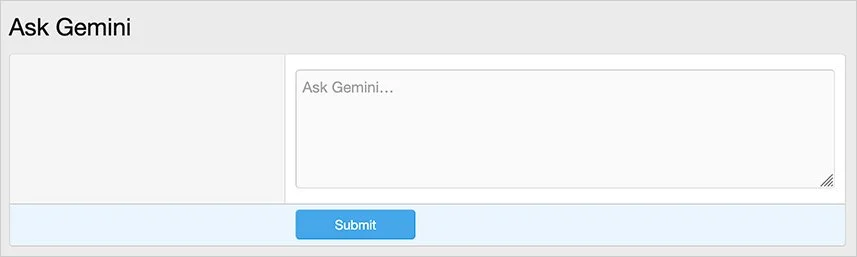
(Example of Ask Gemini question page)
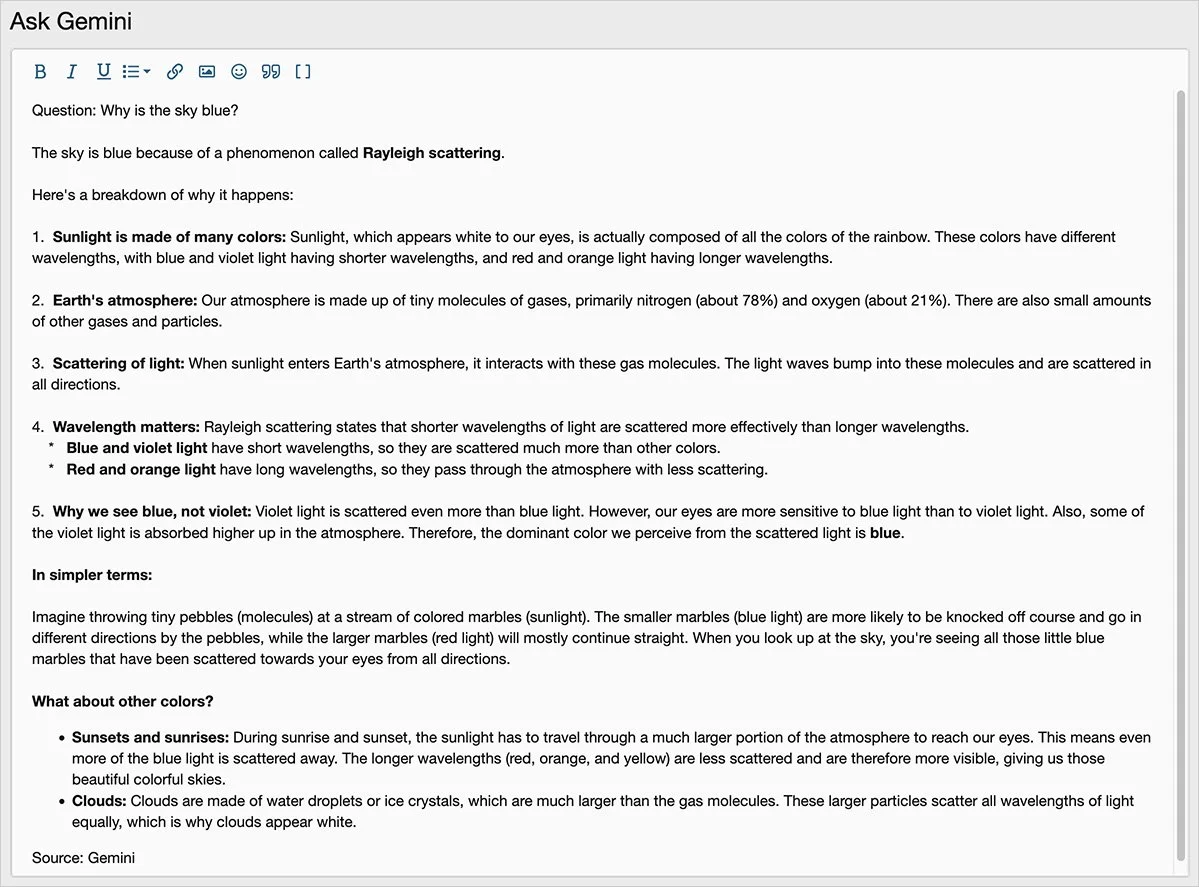
(Example of Ask Gemini response page)
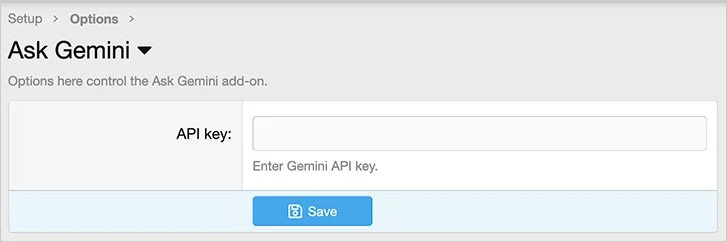
(Example of Options page)
(Example of User group permissions)

Features:
All phrases start with askgemini_ for your convenience.
Setup step 1:
Go to Google AI studio and click the Get API link.
https://aistudio.google.com/
Once you get your API key, you will also need to provide a credit card so that Google can charge you for usage. Don't worry it is very inexpensive, average cost per explanation is a small fraction of 1 cent.
Setup step 2:
In the options page:
Enter the 'API key' from the Gemini API key given to you in step 1.
Setup step 3.
Set the User group permissions.
How to use:
When viewing a thread, if you would like you create an informative reply using Gemini, do this:
Ask Gemini a question directly in XenForo.
When viewing a thread, use Gemini to help create a very informative reply.
(Example of Ask Gemini link)
(Example of Ask Gemini question page)
(Example of Ask Gemini response page)
(Example of Options page)
(Example of User group permissions)
Features:
All phrases start with askgemini_ for your convenience.
Setup step 1:
Go to Google AI studio and click the Get API link.
https://aistudio.google.com/
Once you get your API key, you will also need to provide a credit card so that Google can charge you for usage. Don't worry it is very inexpensive, average cost per explanation is a small fraction of 1 cent.
Setup step 2:
In the options page:
Enter the 'API key' from the Gemini API key given to you in step 1.
Setup step 3.
Set the User group permissions.
How to use:
When viewing a thread, if you would like you create an informative reply using Gemini, do this:
- Click the More options icon above post #1.
- Click the Ask Gemini link.
- Type your question and click submit.
- Highlight and copy the response page to your clipboard.
- Use back button in browser twice to get back to the thread.
- Paste from clipboard into the quick editor and Save new reply.


