Description:
Ask Gemini a question directly in XenForo.
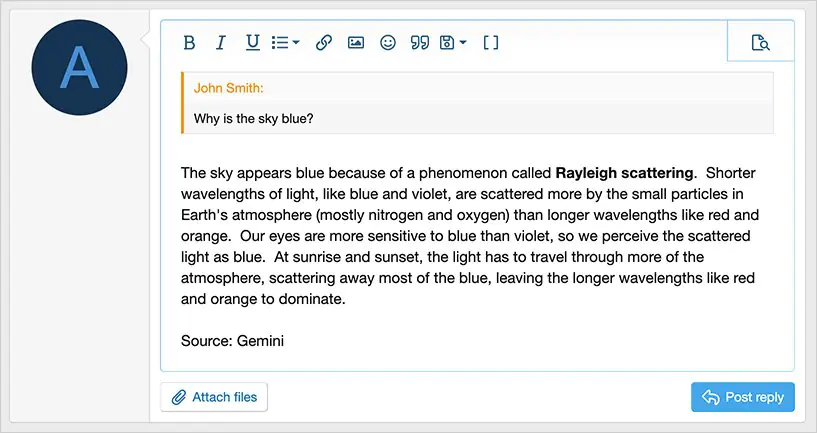
When viewing a thread, use Gemini to help create a very informative reply.
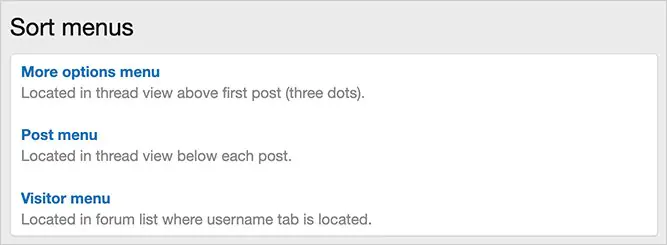
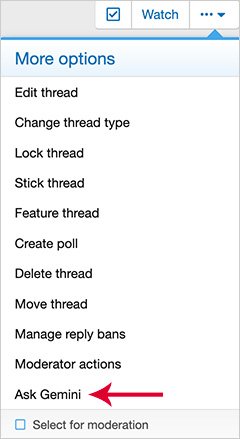
(Example of Ask Gemini link)
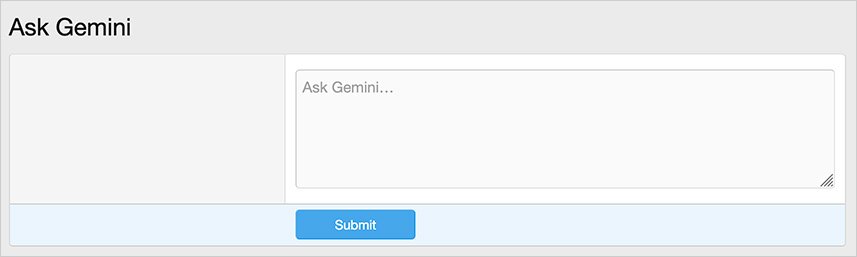
(Example of Ask Gemini question page)
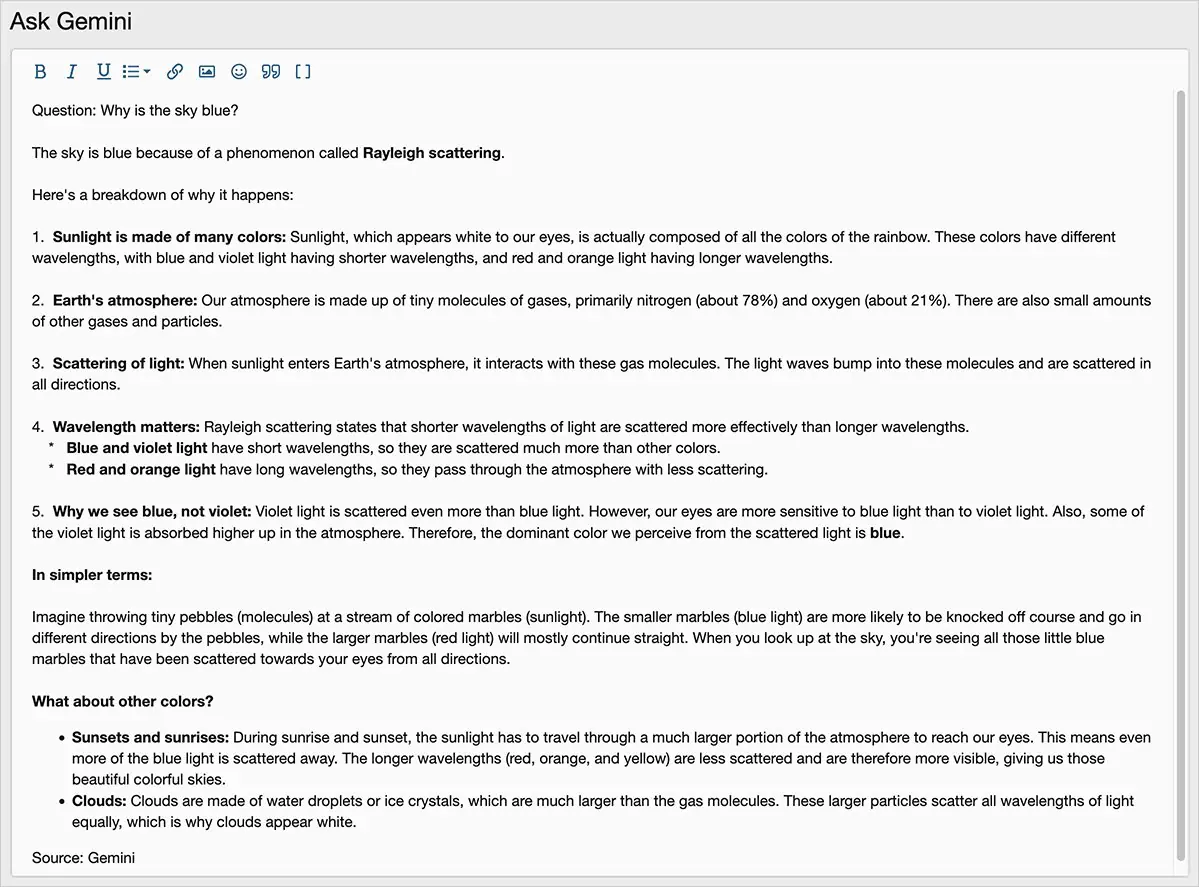
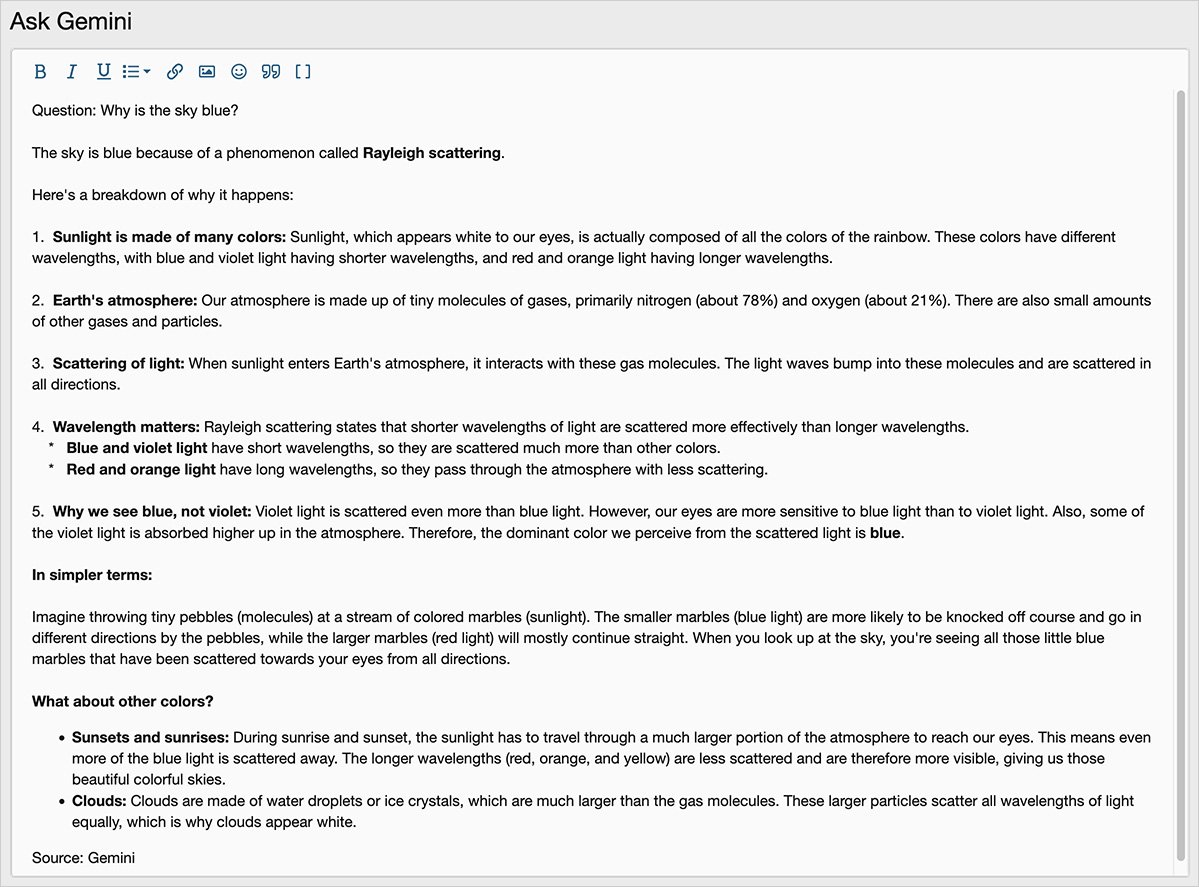
(Example of Ask Gemini response page)
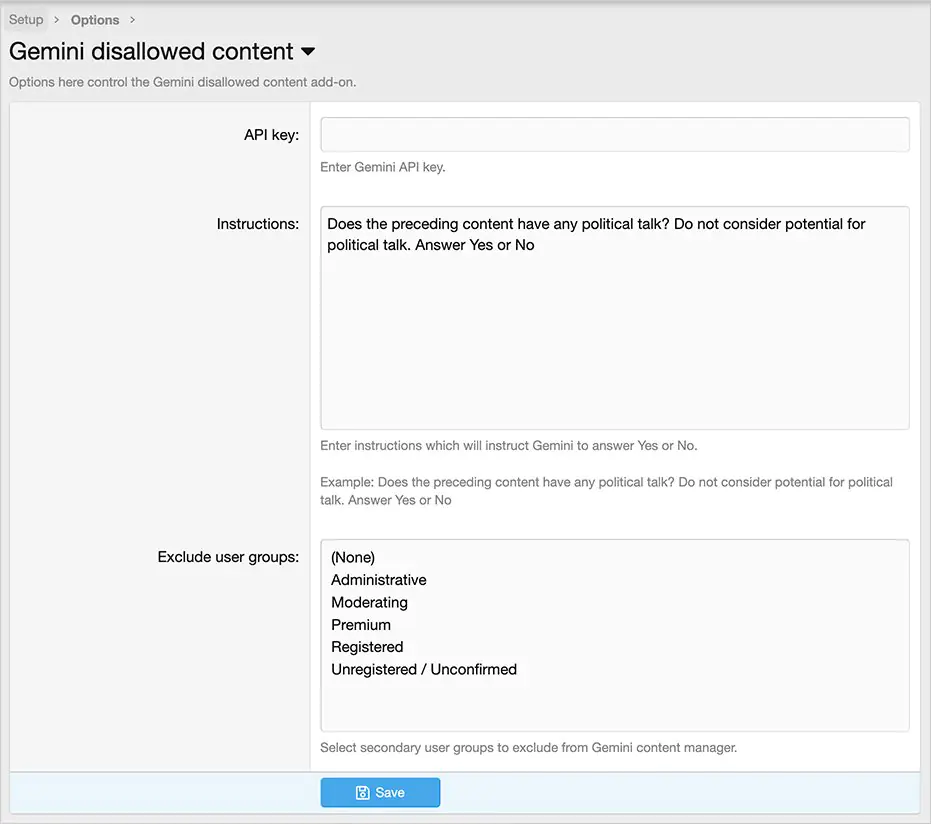
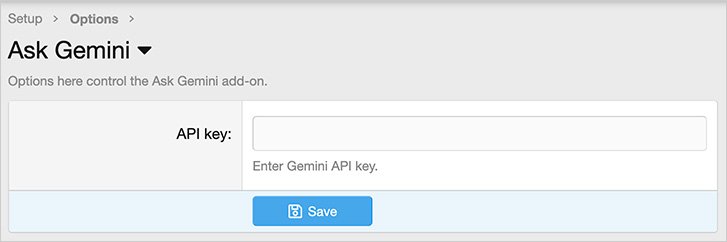
(Example of Options page)
(Example of User group permissions)

Features:
All phrases start with askgemini_ for your convenience.
Setup step 1:
Go to Google AI studio and click the Get API link.
https://aistudio.google.com/
Once you get your API key, you will also need to provide a credit card so that Google can charge you for usage. Don't worry it is very inexpensive, average cost per explanation is a small fraction of 1 cent.
Setup step 2:
In the options page:
Enter the 'API key' from the Gemini API key given to you in step 1.
Setup step 3.
Set the User group permissions.
How to use:
When viewing a thread, if you would like you create an informative reply using Gemini, do this:
Published:
January 26, 2026 11:00 AM
Version:
Category:
Is Nulling Required:
NOXenforo Compatibility:
versions: 2.3Tags: