Description:
Opens PDF attachments in the browser.
By default Safari will download PDF attachments instead of viewing them in the browser. This add-on will allow Safari users to simply click on the PDF attachment and the document will open in the browser.
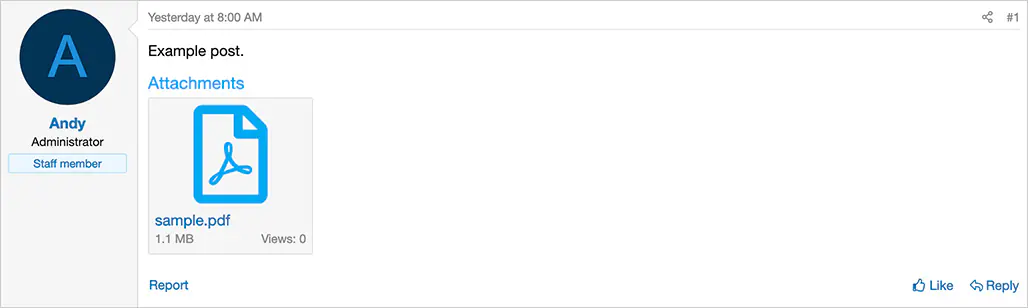
(Example of PDF attachment)
Questions and Answers:
Q: I'm using Chrome and the PDF does not open when I click the attachment.
A: Make sure the following is selected in Chrome:
Settings -> Privacy and security -> Site settings -> Additional content settings -> PDF documents -> Open PDFs in Chrome
Q: I'm using Firefox and the PDF does not open when I click the attachment.
A: Make sure the following is selected in Firefox:
Settings -> General -> Applications -> Portable Document Format (PDF) -> Open in Firefox
Q: When I go to the Resource Manager and click the Download button (assuming the resource is a PDF), does it open the PDF?
A: Yes.
Q: When using Safari iOS, how do I save the PDF while viewing it?
A: Click the Share button and select Save to Files.