Description:
Allows page access only to countries specified in the options page.
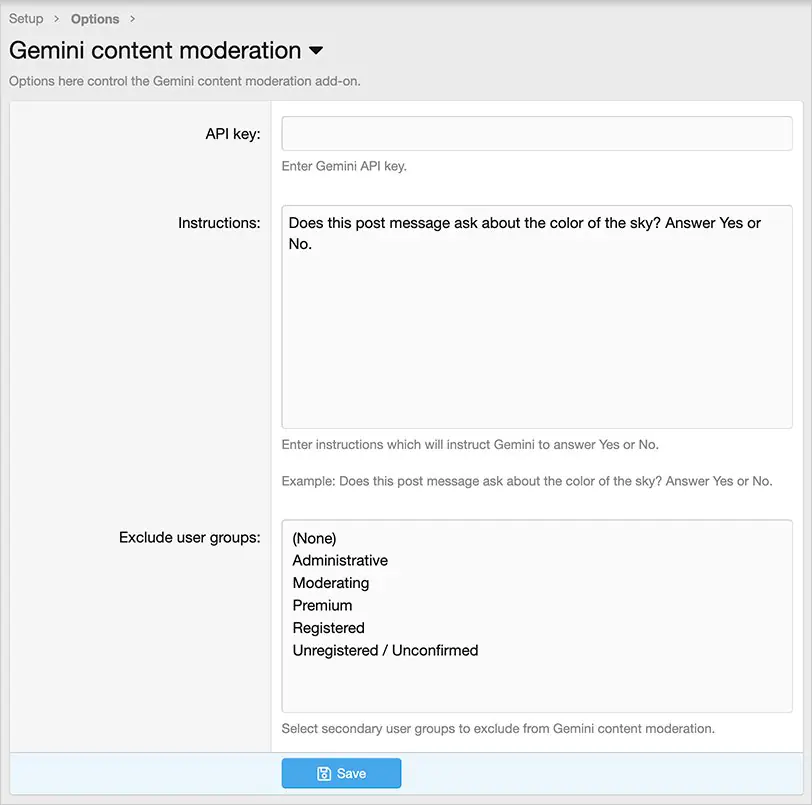
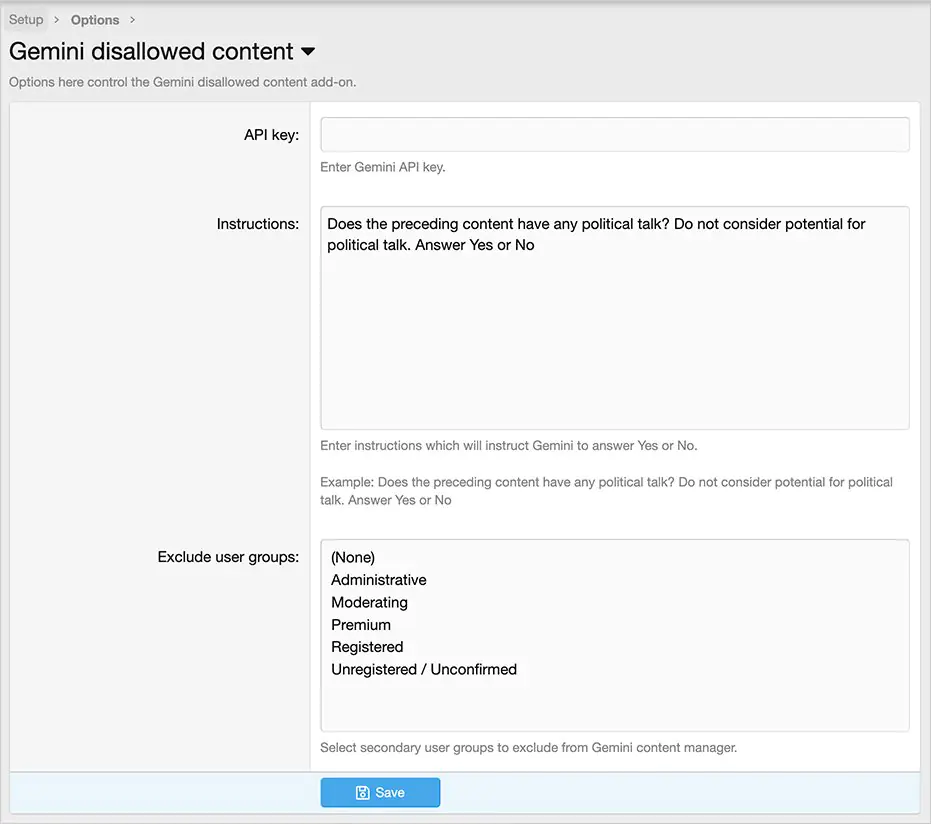
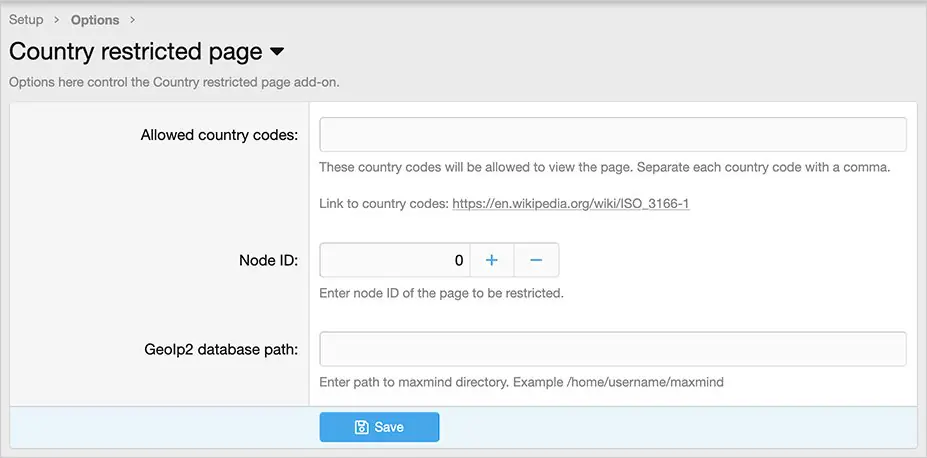
(Example of Options page)
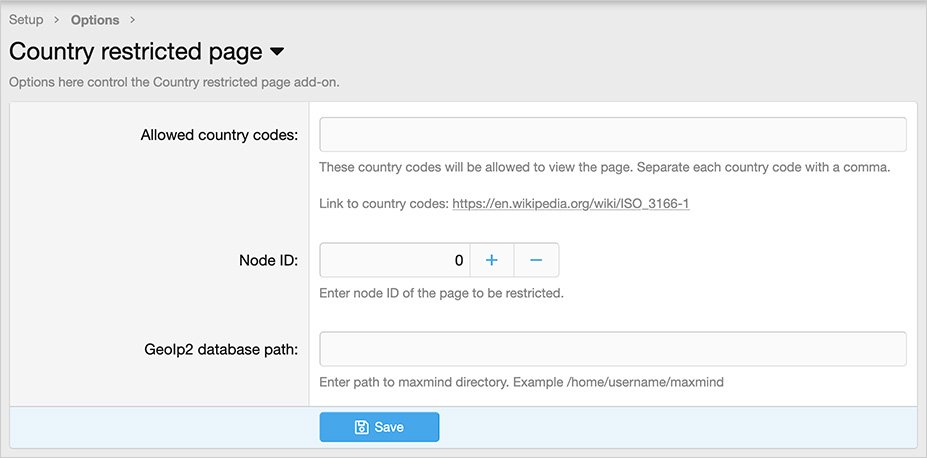
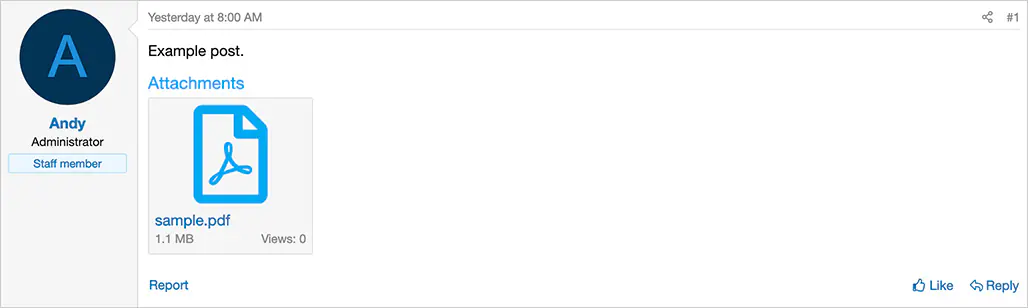
(Example of error message)

Features:
Setup step 1:
Install the MaxMind updater add-on.
https://codanya.com/items/maxmind-updater/1009
Setup step 2:
Update Options page.
Questions and answers:
Q: How can I get the Node ID?
A: Go to the following location:
Admin control panel -> Forums-> Nodes
Hover over Page title, you will see the Node ID in the URL shown at the bottom of the browser.
This item is available for free download. You may download and use it according to the free item policy.
Published:
February 25, 2026 04:49 AM
Version:
Category:
Is Nulling Required:
NOXenforo Compatibility:
versions: 2.3Tags: