Description:
Blocks registration to specified cities.
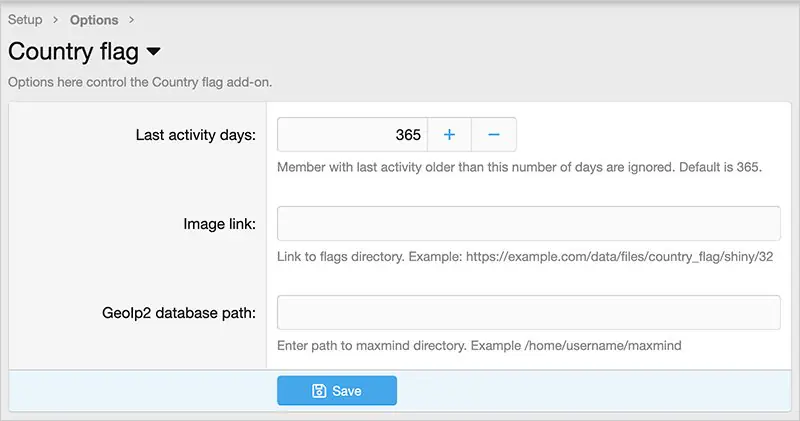
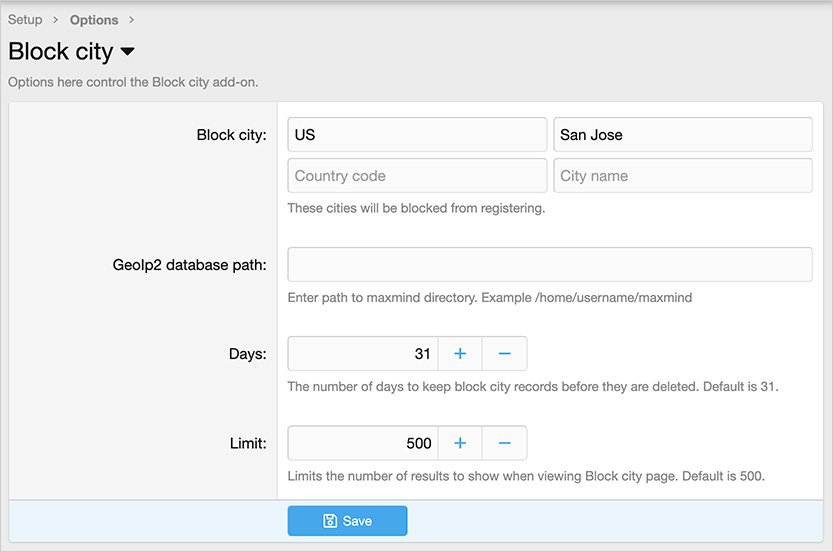
(Example of Options page)
(Example of access denied message)

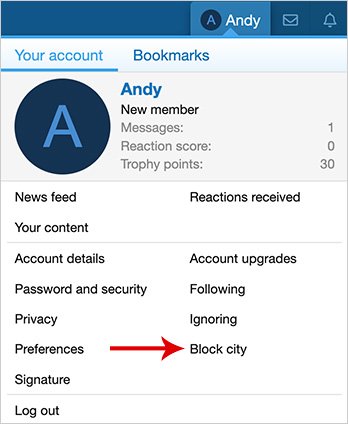
(Example of Block city link)
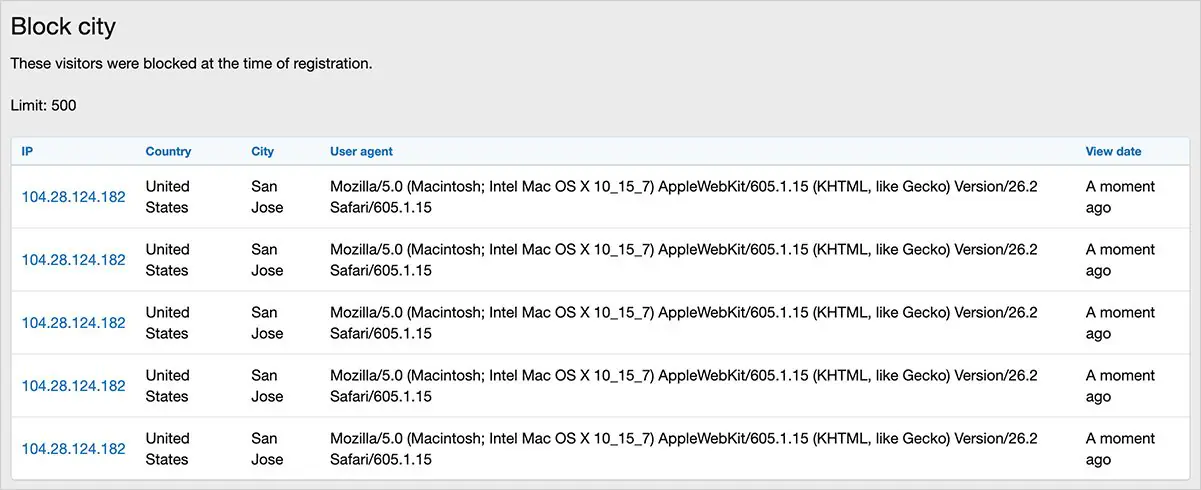
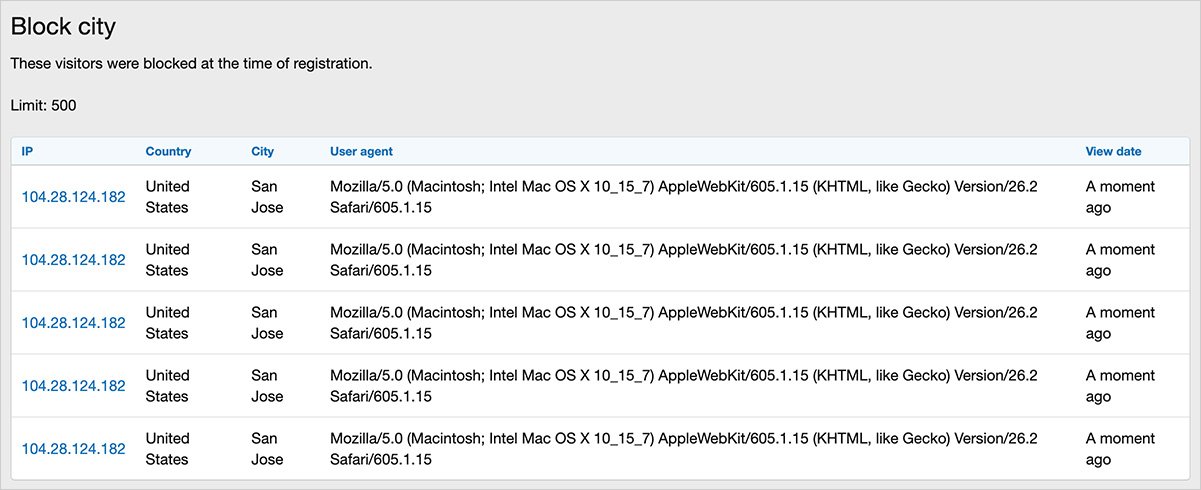
(Example of Block city page)
Features:
Setup step 1:
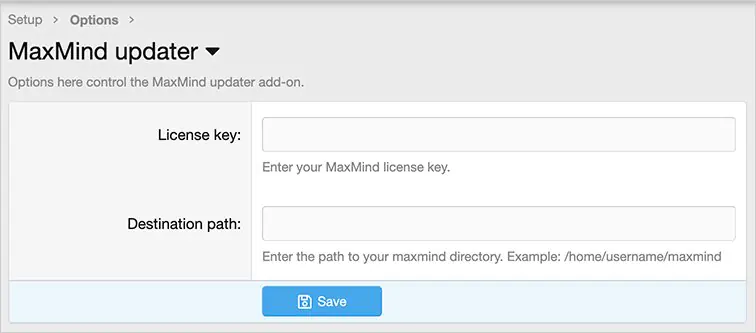
Install the MaxMind updater add-on.
https://codanya.com/items/maxmind-updater/1009
Setup step 2:
Update the Options page with your GeoIp2 database path.
Viewing which countries were blocked:
Click the Block city link in the visitor menu. Must be an admin to see this link.
Database changes:
A table called xf_andy_block_city is created in your database.
Question and answers:
Q: I'm on XenForo Cloud, what GeoIp2 database path should I use?
A: Enter the following: internal_data/local/maxmind
This item is available for free download. You may download and use it according to the free item policy.
Published:
February 25, 2026 04:35 AM
Version:
v1.0
Category:
Is Nulling Required:
NOXenforo Compatibility:
versions: 2.3Tags: